Backup & Restore
App update
If you have had previous versions of Zmanim Advanced installed, you may have an old backup of your locations. This backup is not compatible with the latest version of Zmanim Advanced. You are advised to backup immediately after updating.
iCloud
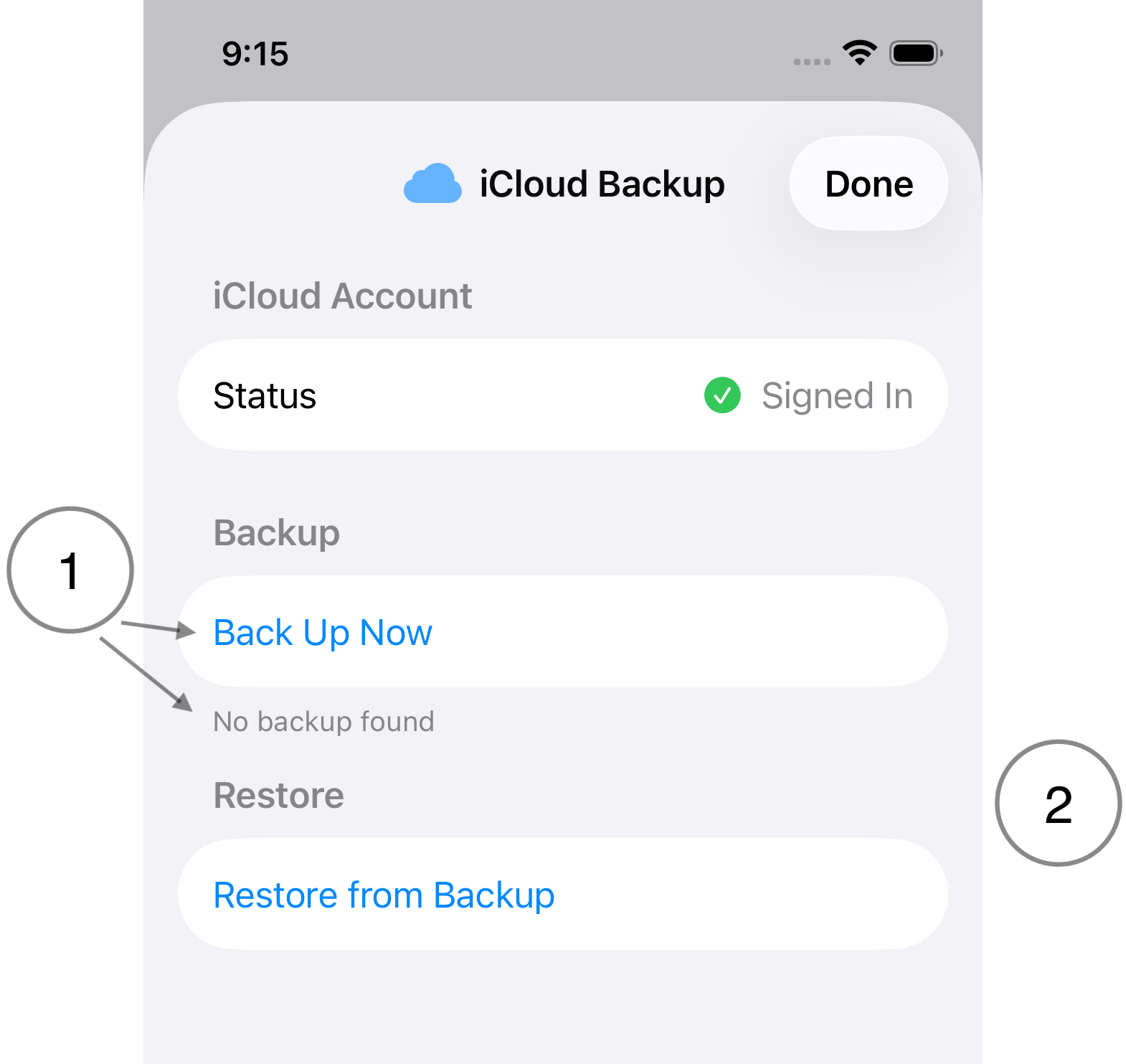
Zmanim Advanced saves backups to, and restores from, your iCloud storage. For these operations to be available, you must be signed in to your iCloud account.
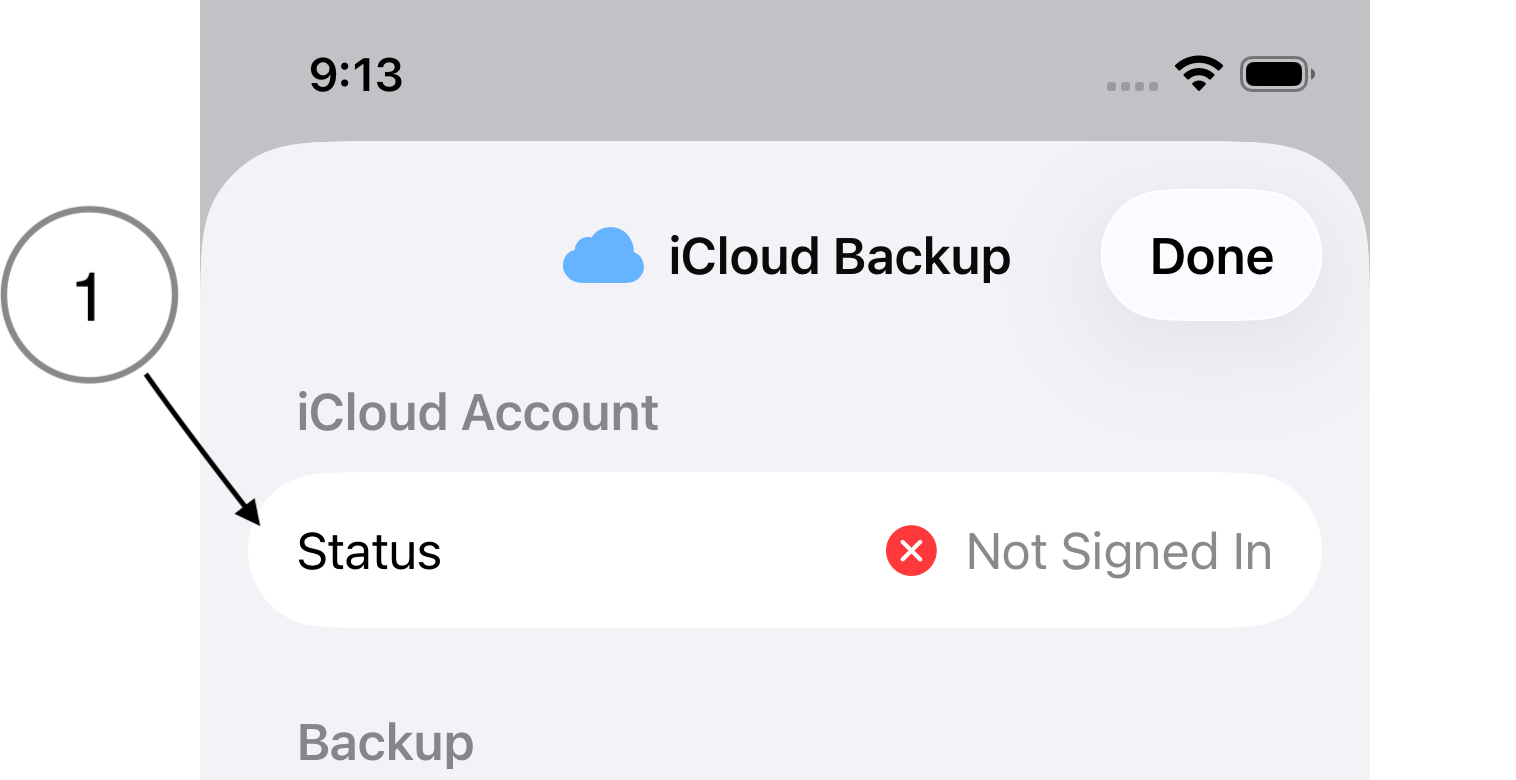
- Status. If the status shows "Not Signed In", launch the Settings app and log in to your iCloud account. You will have to dismiss this screen and tap the Backup & Restore button again.
- Backup
- Backup Up Now. Back up locations, sets, zmanim and calculations to your iCloud storage.
- The status line gives the date of the last backup, if any.
- Restore. The button is enabled if there's a backup available.